AI edits.
Zero uploads.
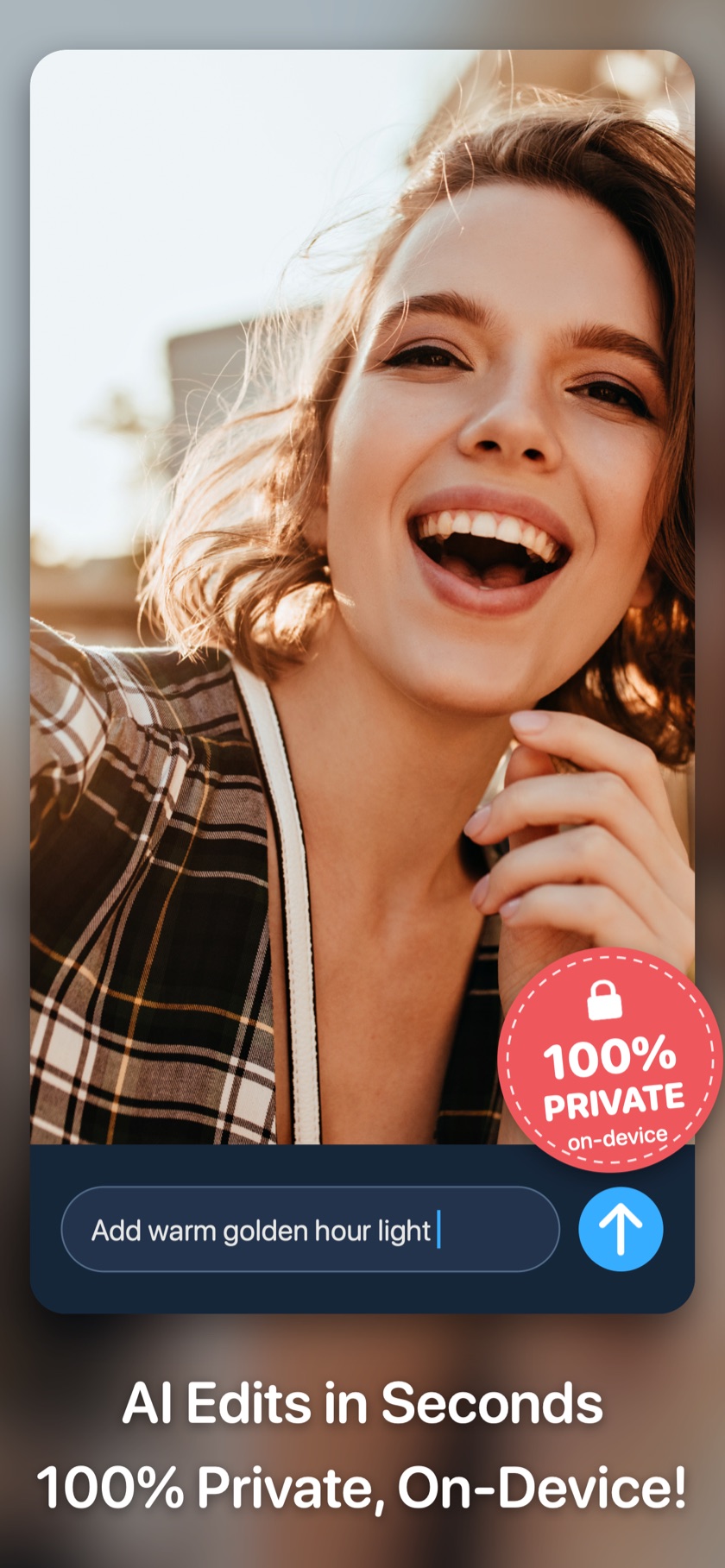
Axiem AI Photo Editor runs entirely on your iPhone, iPad and Mac. Describe any edit, create images from words, clean up photos — nothing uploaded, no ads, no account.
Just released · Photo Editor- 8.0
Meet the all-new Axiem Pro Editor.
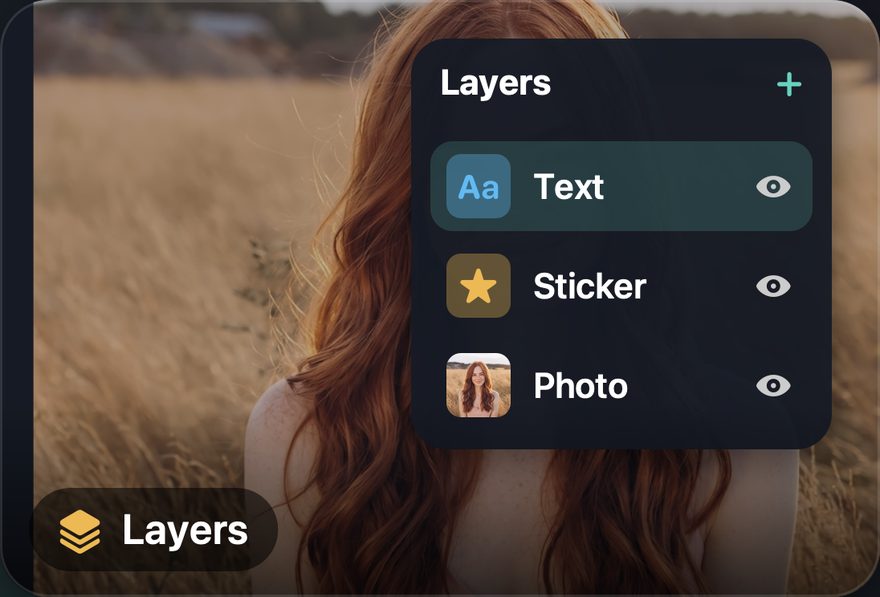
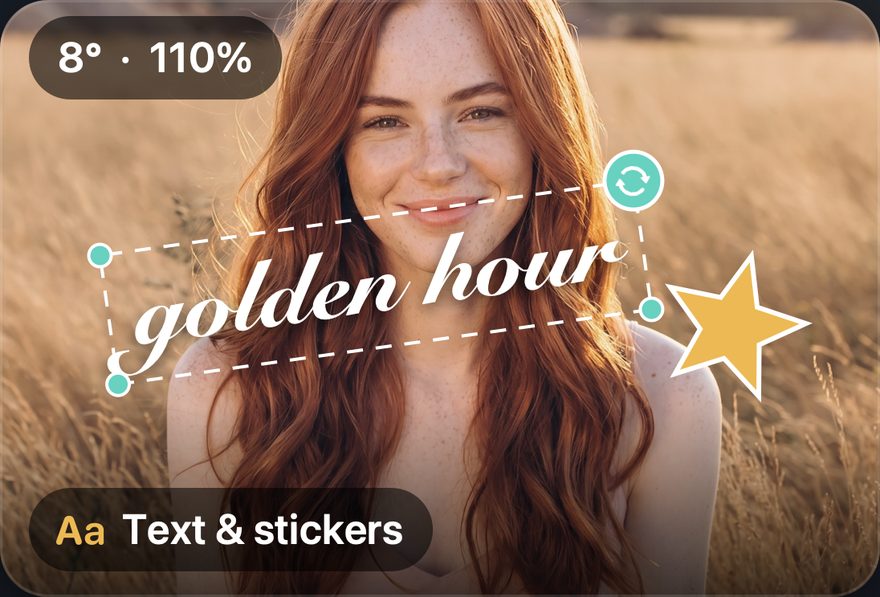
Layers, new save options, refreshed filters, stickers, overlays and frames, and a new layout for iPhone Duo and iPad. Plus unlimited on-device AI edits with Pro+AI.
No. 001 / New release
AI that stays on your device.
Our newest app edits photos the way you'd explain it to a person — and every AI feature runs 100% on the device.
Axiem AI Photo Editor
iPhone, iPad and Mac.
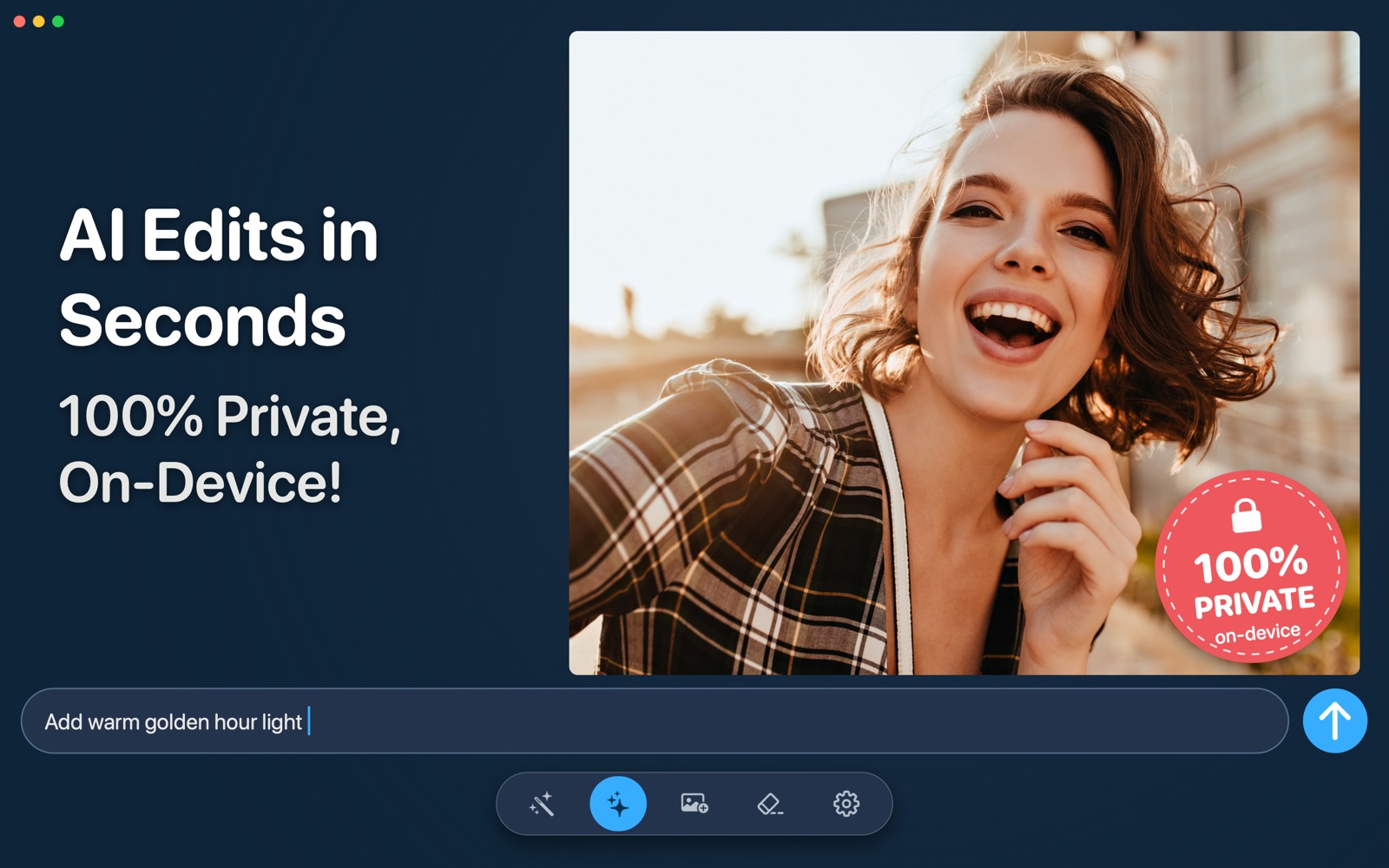
Type what you want — “remove the car in the background”, “turn this into a watercolor” — and the AI does it right on the device. Your photos never leave it, and edits work without an internet connection.
- 01AI Edits — describe the change, refine with follow-ups
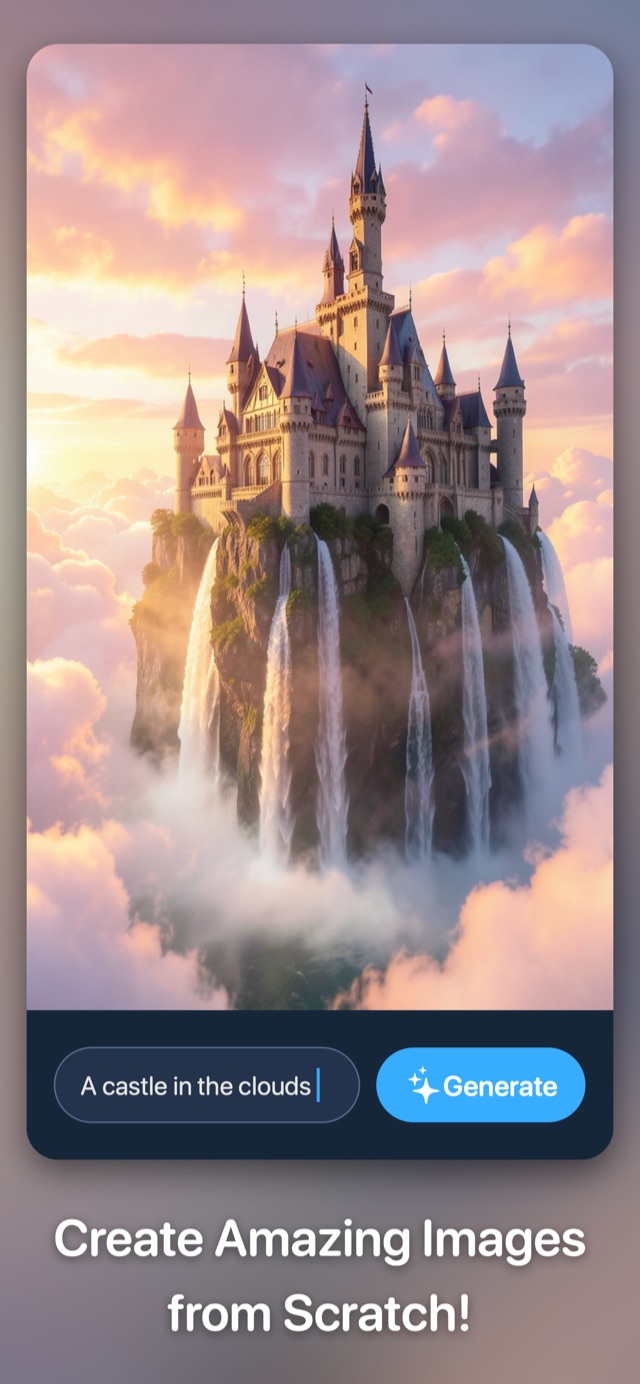
- 02Create — new images from a text description
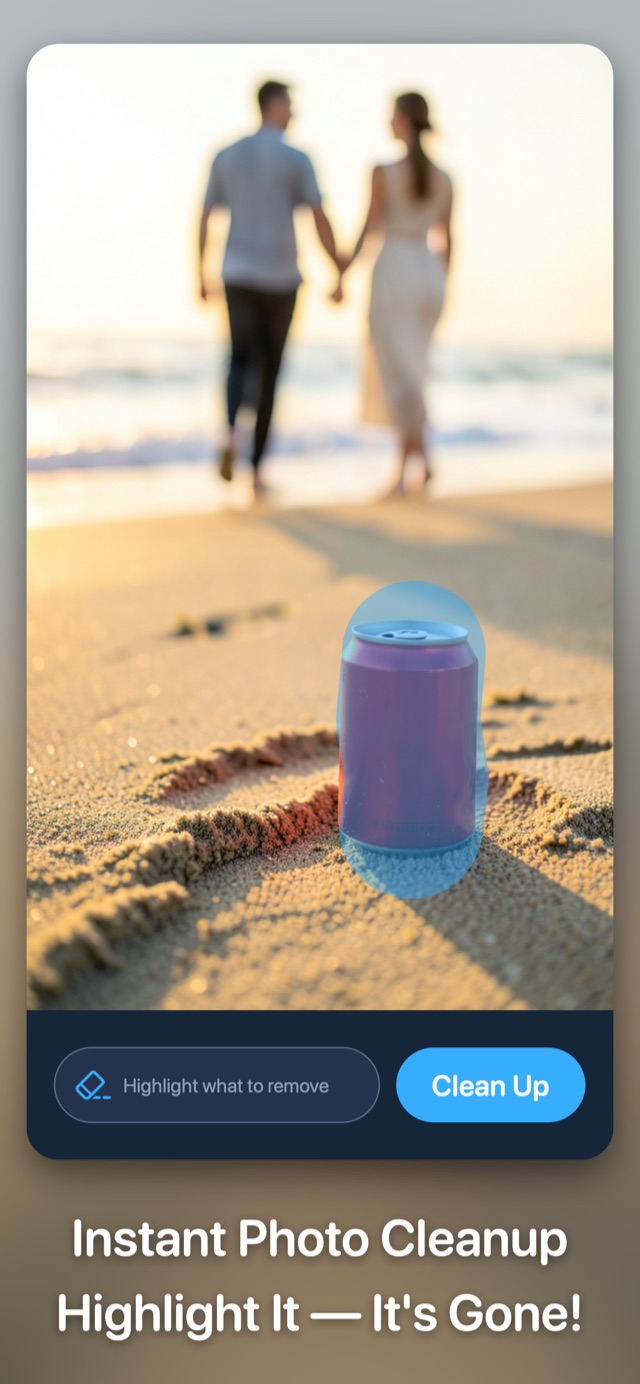
- 03Clean Up — highlight anything to remove it
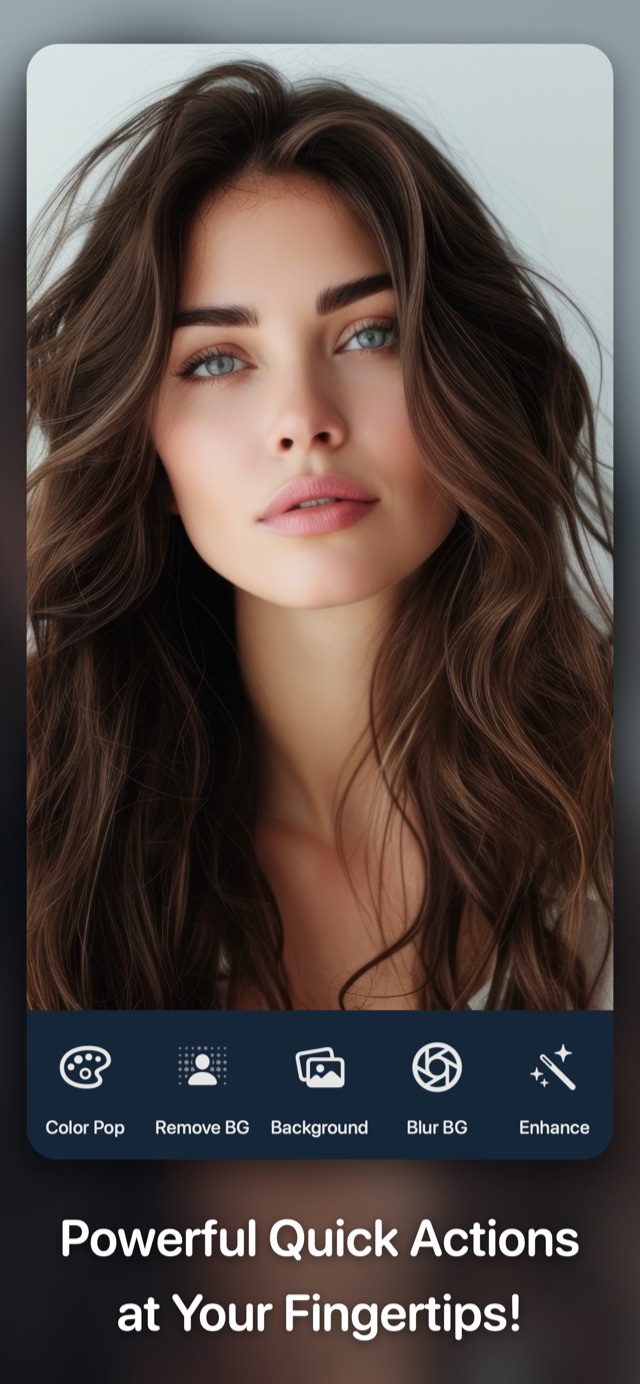
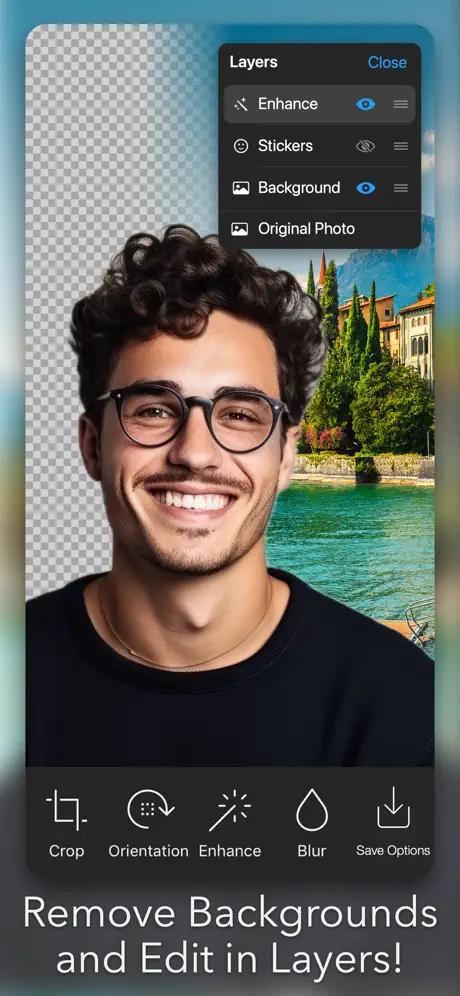
- 04Remove, blur or replace backgrounds in a tap
- 05No ads, no tracking, no account
No. 002 / All-in-one editor · New in 8.0
An editor for everyone.
Photo Editor- has been the all-in-one staple for over a decade. Version 8.0 brings the all-new Axiem Pro Editor, plus unlimited on-device AI edits with Pro+AI.
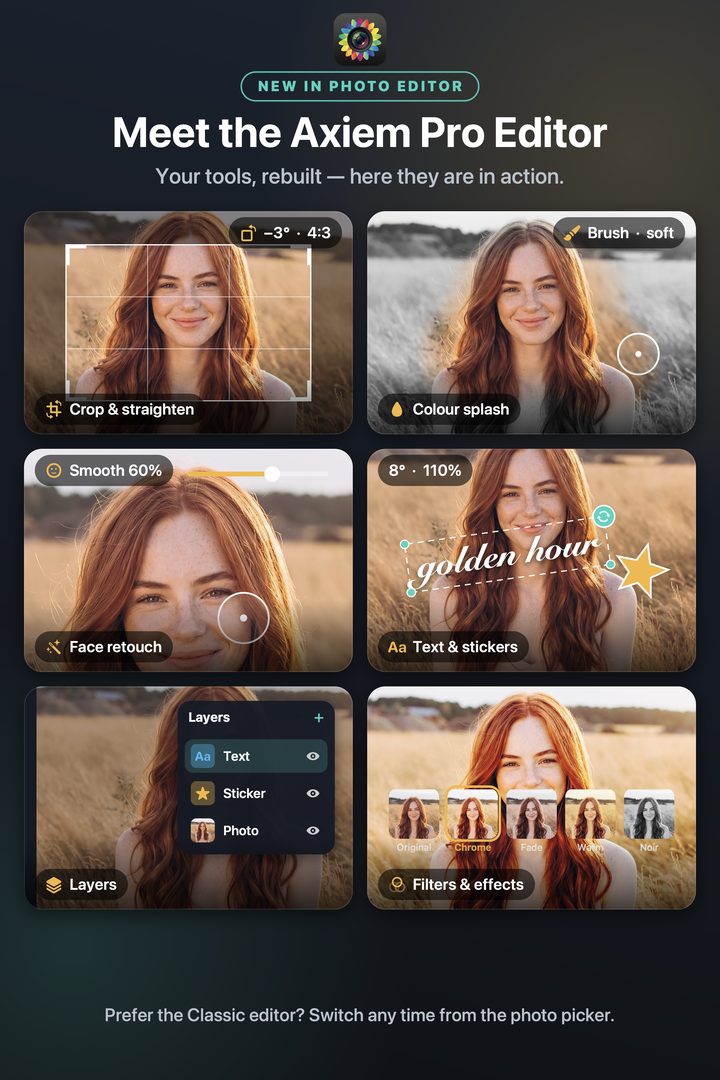
Photo Editor
All your tools, none of the noise.
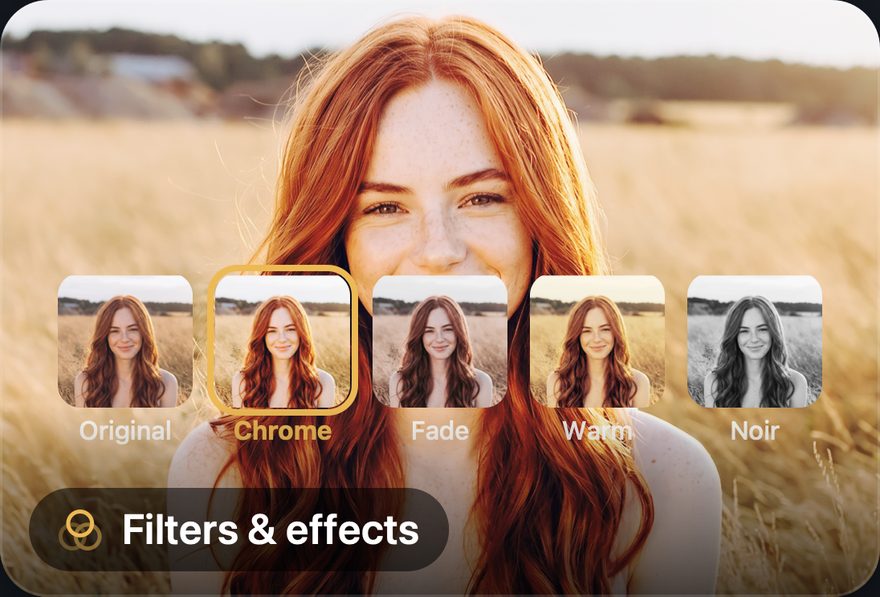
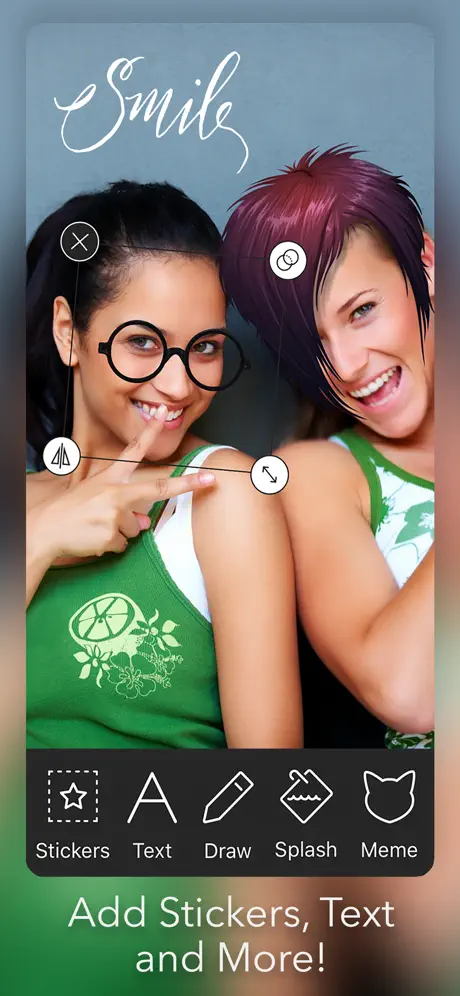
Enhance in a tap. Sculpt with precision. Effects, stickers, frames, color splash, blemish removal, tilt-shift, draw and paint — all in an interface that gets out of your way.
New in 8.0: the all-new Axiem Pro Editor, with Layers, new save options, refreshed filters, stickers, overlays and frames, and a new layout for iPhone Duo and iPad. Plus unlimited on-device AI with Pro+AI.
- 01Axiem Pro Editor — Layers and new save options
- 02AI Editor — describe edits with natural language
- 03Unlimited on-device AI edits with Pro+AI
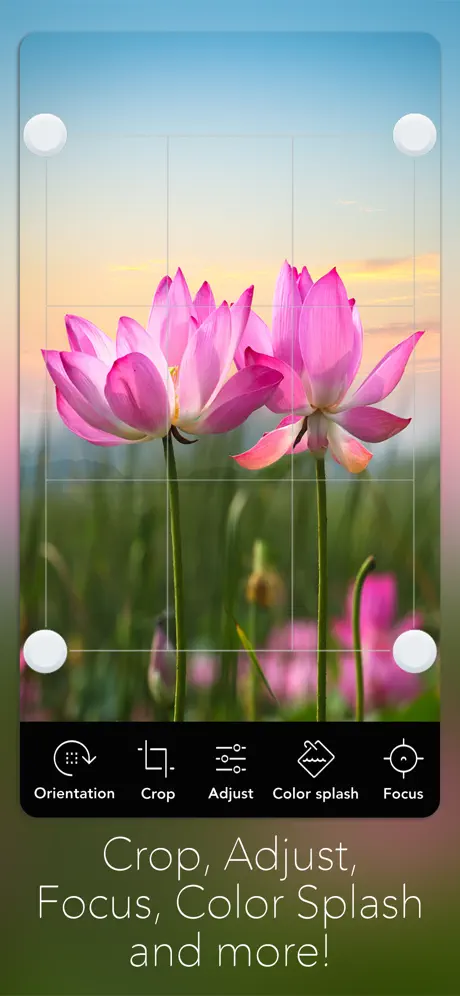
- 04Color splash, tilt-shift, focus tools
- 05Free, with optional Pro subscription

No. 003 / Pro companion
For when you want more.
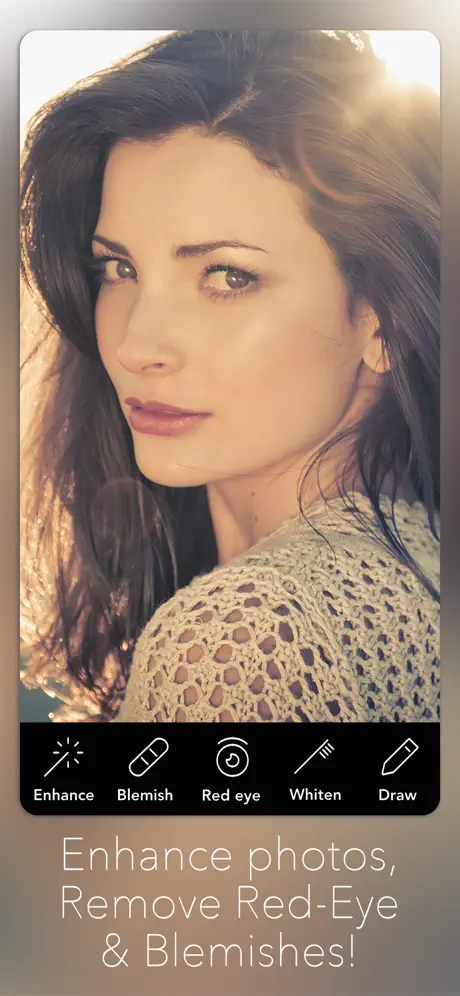
Photo Editor+
The last photo editor you'll ever need.
A pro-grade companion built for full-resolution editing. Hundreds of effects with live preview, advanced multi-image workflows, and a meme tool for when you need that too.
- 01100s of effects with live preview
- 02Advanced multi-image editing
- 03Full / high resolution output
- 04Built-in HD camera tool
- 05Frames, overlays, collages, captions

No. 004 / Cultural moment
Notch Remover.
The original.
When the iPhone X launched in 2017, we shipped the app the internet wanted. Eight days later it was on USA Today, The Verge, ABC News and Unbox Therapy.
Don't like the iPhone X's notch? There's an app that can help.
USA Today · November 2017
This $1 app fixes the iPhone X's $1,100 problem.
Gear Patrol · November 2017
iPhone X 'notch remover' now available in App Store.
The Verge · November 2017
The app that makes your home screen look whole again.
BGR · November 2017
A clever, simple utility that hides the iPhone notch with custom wallpapers. Still on the Store, still useful.
Visit Notch Remover →For developers
Put our AI
in your app.
The on-device engine behind Axiem AI Photo Editor is available to license. Prompt-based editing, image creation and object removal — no servers, no uploads.
import AxiemAI

let engine = try await AxiemAI.Engine()

// Edit a photo from a plain-language prompt
let edited = try await engine.edit(
    photo,
    prompt: "Add warm golden hour light"
)
Illustrative example — runs entirely on the device.
Catalog
More from our studio.

About
Independent app studio · Est. 2010
We make thoughtful, well-crafted apps for iPhone, iPad, Mac and Vision Pro — now with AI that runs on the device. Our mission is simple — deliver the best product possible, backed by exceptional support.